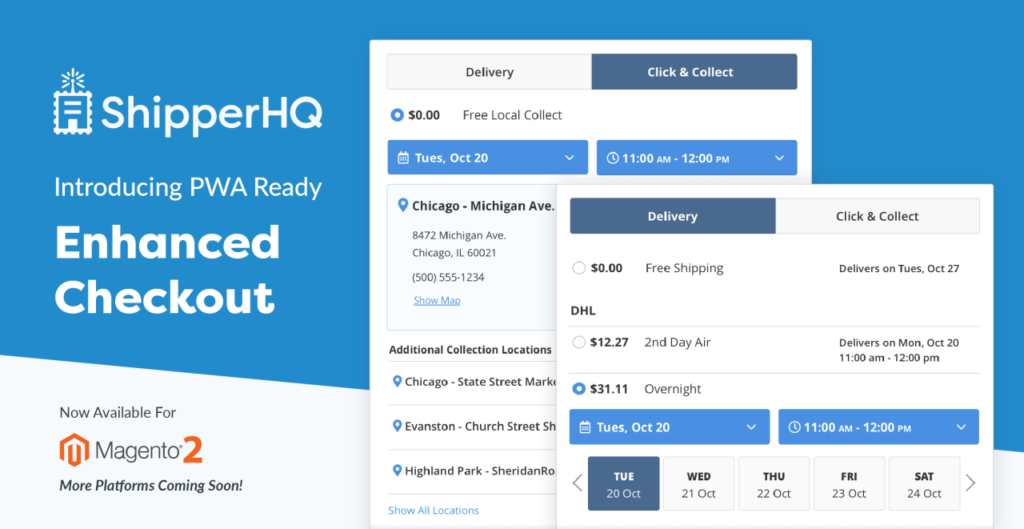
Shipping is a very critical component of any e-commerce business. Efficient shipping process significantly impact customer satisfaction, operational efficiency. Adobe Commerce is leading e-commerce platform, offers a robust solution through its ShipperHQ module. This article explores the features, benefits and implementation in Adobe commerce (Magento 2), highlighting how it can transform your shipping operations
What is ShipperHQ in Adobe commerce?
Shipping HQ is an advanced module designed to enhance the shipping capabilities of Adobe Commerce. It offers a comprehensive set of tools and features that allow businesses to manage their shipping processes more effectively. From accurate rate calculations to managing restriction zones and supporting multiple shipping methods, ShipperHQ provides the functionality needed to streamline shipping operations.
Key Features of ShipperHQ
Accurate Shipping Rates
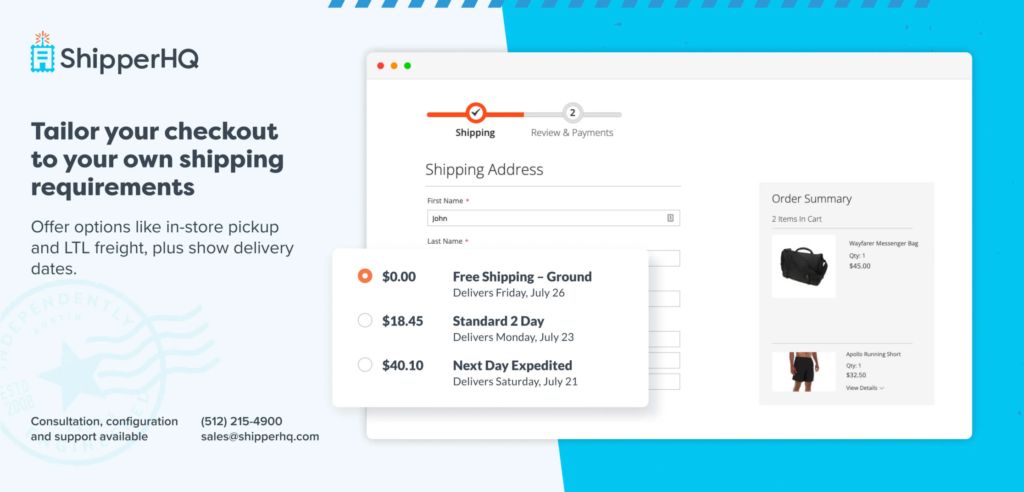
One of the standout features of Shipping HQ is its ability to provide accurate shipping rates. By integrating with various shipping carriers and utilizing real-time data, Shipping HQ ensures that customers receive precise shipping costs based on their location, dimensional packing and order details. This transparency helps build trust and reduces cart abandonment due to unexpected shipping charges.
Restriction Zones/ Shipping Rules
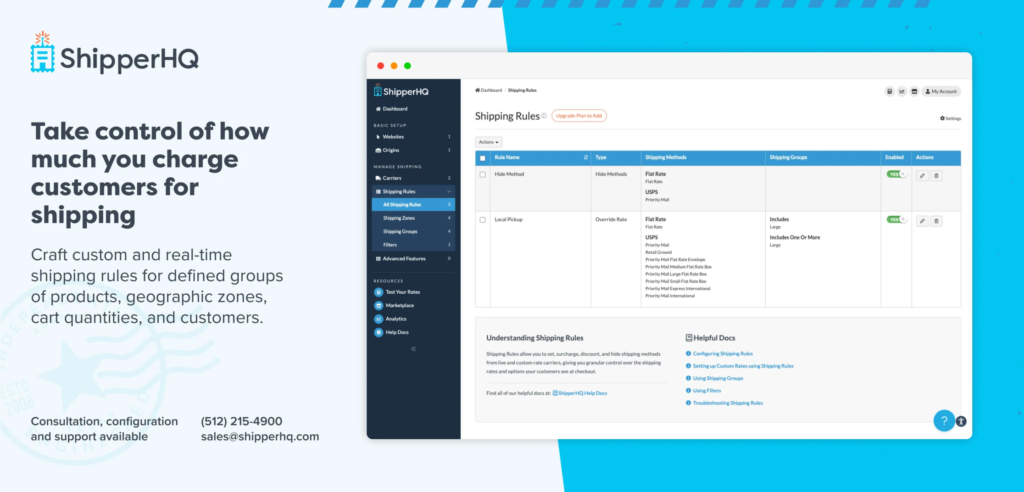
Managing delivery areas can be a complex task, especially for businesses that do not deliver to certain regions. Shipping HQ allows you to define restriction zones, ensuring that orders are only accepted from areas where delivery is possible. This feature helps avoid logistical complications and enhances customer satisfaction by clearly communicating delivery availability.
Multiple Shipping Methods
Flexibility in shipping options is essential for meeting diverse customer needs. Shipping HQ supports a wide range of shipping methods, from standard and expedited shipping to same-day delivery and local pickups. By offering various options, businesses can cater to different customer preferences and improve the overall shopping experience.
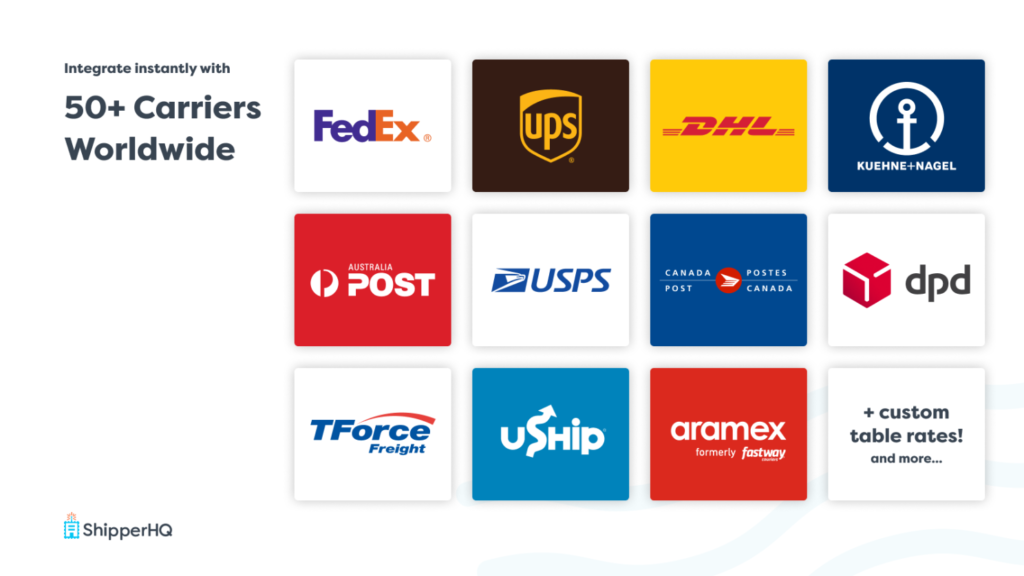
Benefits of Using Shipping HQ
Enhanced Customer Experience
By providing accurate shipping rates and a variety of delivery options, Shipping HQ enhances the customer experience. Customers appreciate transparency and flexibility, which can lead to increased loyalty and repeat business.
Operational Efficiency
Shipping HQ streamlines shipping processes, reducing manual intervention and the likelihood of errors. Automated rate calculations, efficient management of restriction zones, and integration with multiple carriers all contribute to smoother operations.
Cost Savings
Accurate rate calculations and optimized shipping processes can result in significant cost savings. By avoiding overcharges and minimizing shipping errors, businesses can reduce operational costs and improve their profit margins.
Implementing Shipping HQ in Magento 2
Installation
Installing Shipping HQ in Magento 2 is straightforward. The module can be added via the Magento Marketplace or directly from the module provider. Follow the installation instructions carefully to ensure proper setup.
Configuration
Once installed, configure ShipperHQ to match your business needs. Set up integration with your preferred shipping carriers, define restriction zones, and configure the available shipping methods. The intuitive interface makes it easy to customize settings without extensive technical knowledge.
Testing
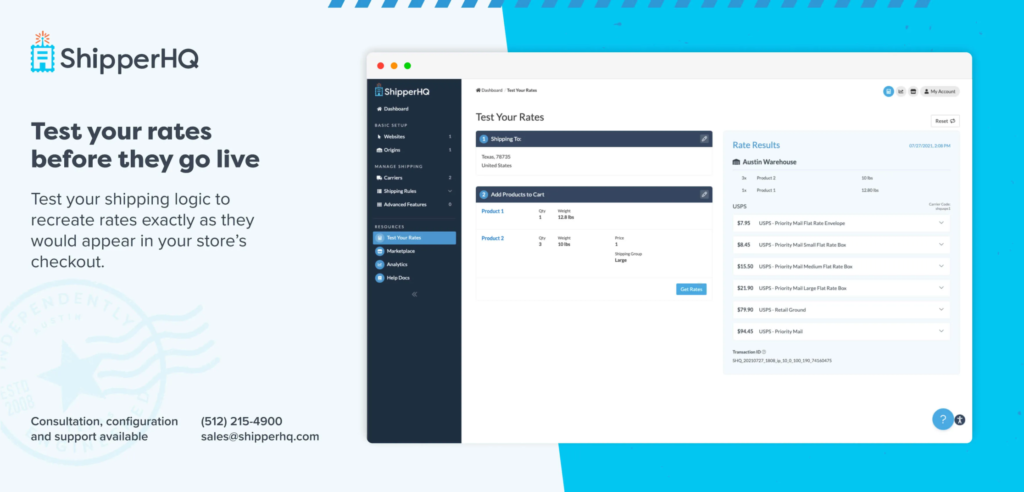
Before going live, thoroughly test the module to ensure it functions as expected. Check rate calculations, verify restriction zones, and confirm that all shipping methods are operational. Address any issues that arise during testing to avoid disruptions once the module is live. Before setting up the shipping rate.. I would like to suggest you to test with ShipperHQ simulator provided in the shipping HQ dashboard
Conclusion
Shipping HQ in Magento 2 is a powerful tool that can significantly enhance your e-commerce shipping operations. With features like accurate shipping rates, restriction zones, and support for multiple shipping methods, Shipping HQ offers the functionality needed to improve customer satisfaction, operational efficiency, and cost savings. By implementing and configuring Shipping HQ, your business can achieve a streamlined and effective shipping process, setting the stage for growth and success in the competitive e-commerce landscape.
Explore Shipping HQ today and take your Magento 2 store’s shipping capabilities to the next level.
Module Link
https://commercemarketplace.adobe.com/shipperhq-module-shipper.html
References
1) Docs:- https://docs.shipperhq.com/
2) API:- https://docs.shipperhq.com/category/developers/api/
Cheers!